
Track expenses and mileage
Without the Hassle.
Scan receipts, log business trips, and keep export-ready records for reimbursements, bookkeeping, and tax season — all from one clean mobile workflow.
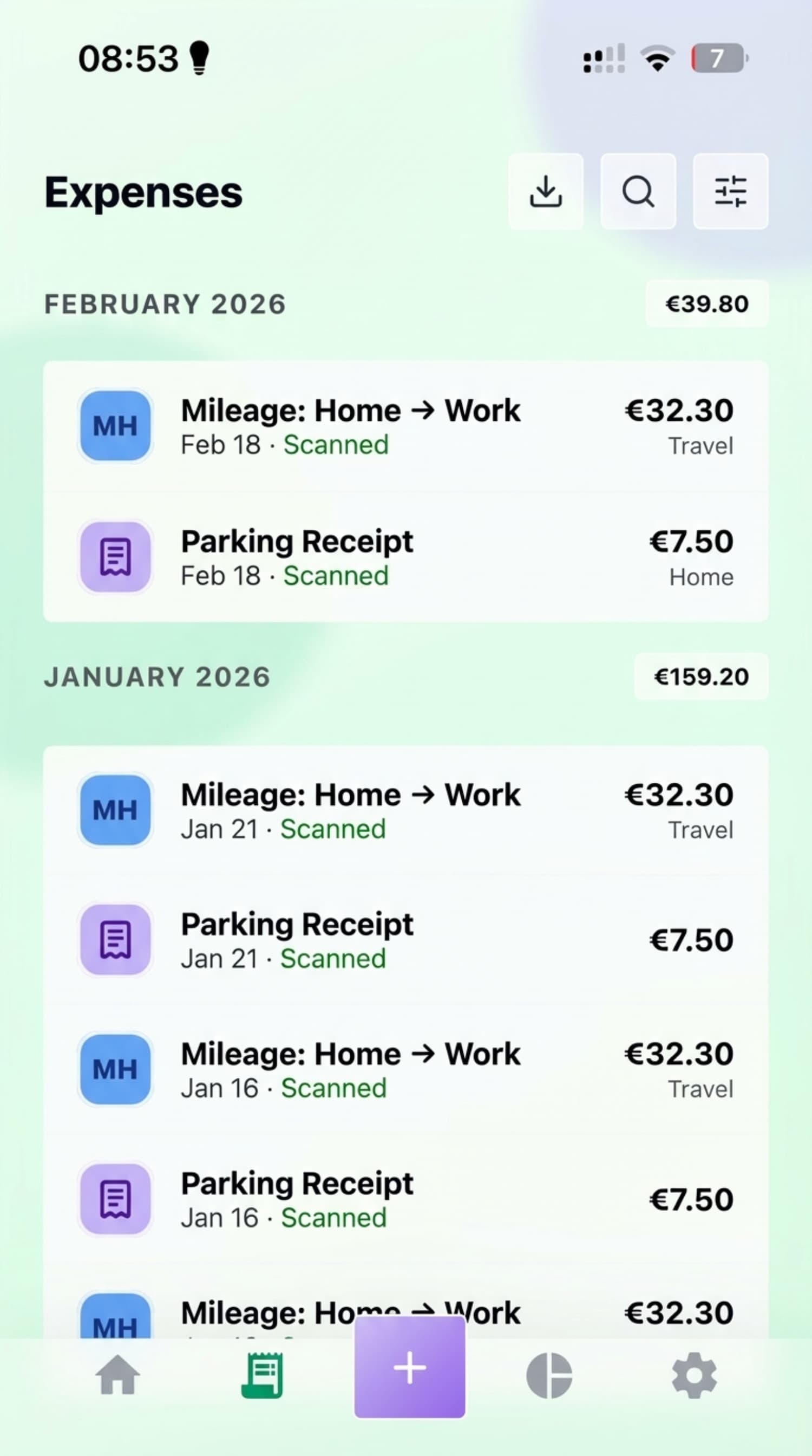
AI receipt capture
Extract vendors, totals, tax, and dates from photos or PDFs.
Mileage tracking
Keep business trips ready for reimbursements and tax deductions.
Accountant-ready exports
Share clean CSV, XLSX, and PDF records when it is time to reconcile.
Store-managed billing
Subscriptions are managed through Apple App Store or Google Play.
Core workflow
Capture receipts, track trips, and keep cleaner records.
Receipt Capture
OCR-powered scanning that turns receipt photos and PDFs into reviewable records.
Mileage Log
GPS-assisted mileage logs for reimbursements and business travel deductions.
Trip Records
Keep related receipts and mileage history organized so trip records stay easier to review.
Secure Backup
Keep your records backed up and available across supported devices.
See it in action
One shared gallery for the full workflow.
A rotating preview of the same screenshots behind the workflow cards, with manual controls when you want to inspect a screen.
Receipt Capture
Review scanned receipts and PDFs before saving them.
How LedgerMind fits your weekly workflow.
Capture receipts in seconds
Snap a photo or upload a PDF, then review extracted details before saving. LedgerMind helps you keep business expenses organized without spreadsheet cleanup.
- Review extracted merchant, tax, and total fields
- Keep receipts connected to the right expense category
Stay ready for accountants and reimbursements
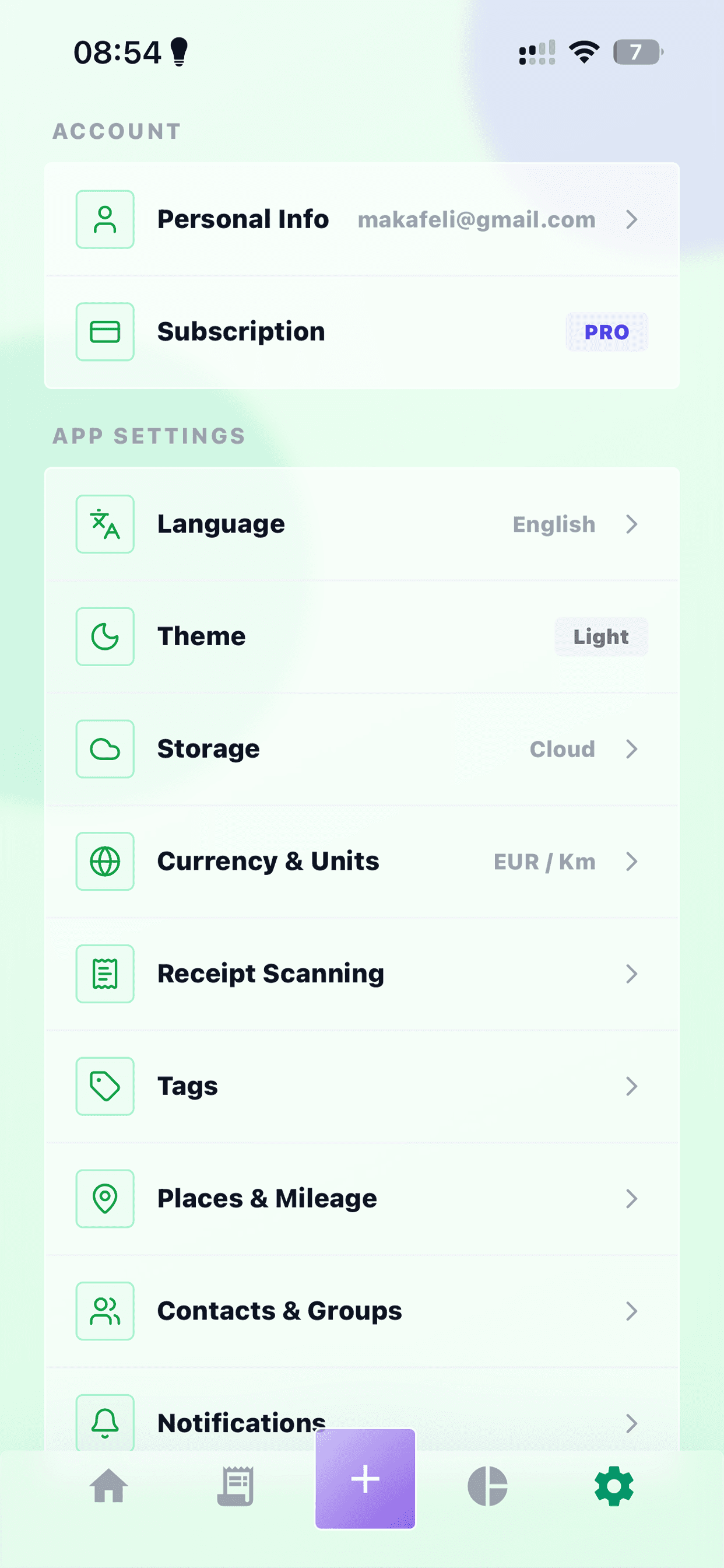
Track mileage, manage your history, and export clean records when your accountant, finance team, or tax filing process needs them.
- Mileage logs for business travel
- CSV, XLSX, and PDF exports when you need them
Know what happens before a record becomes part of your books.
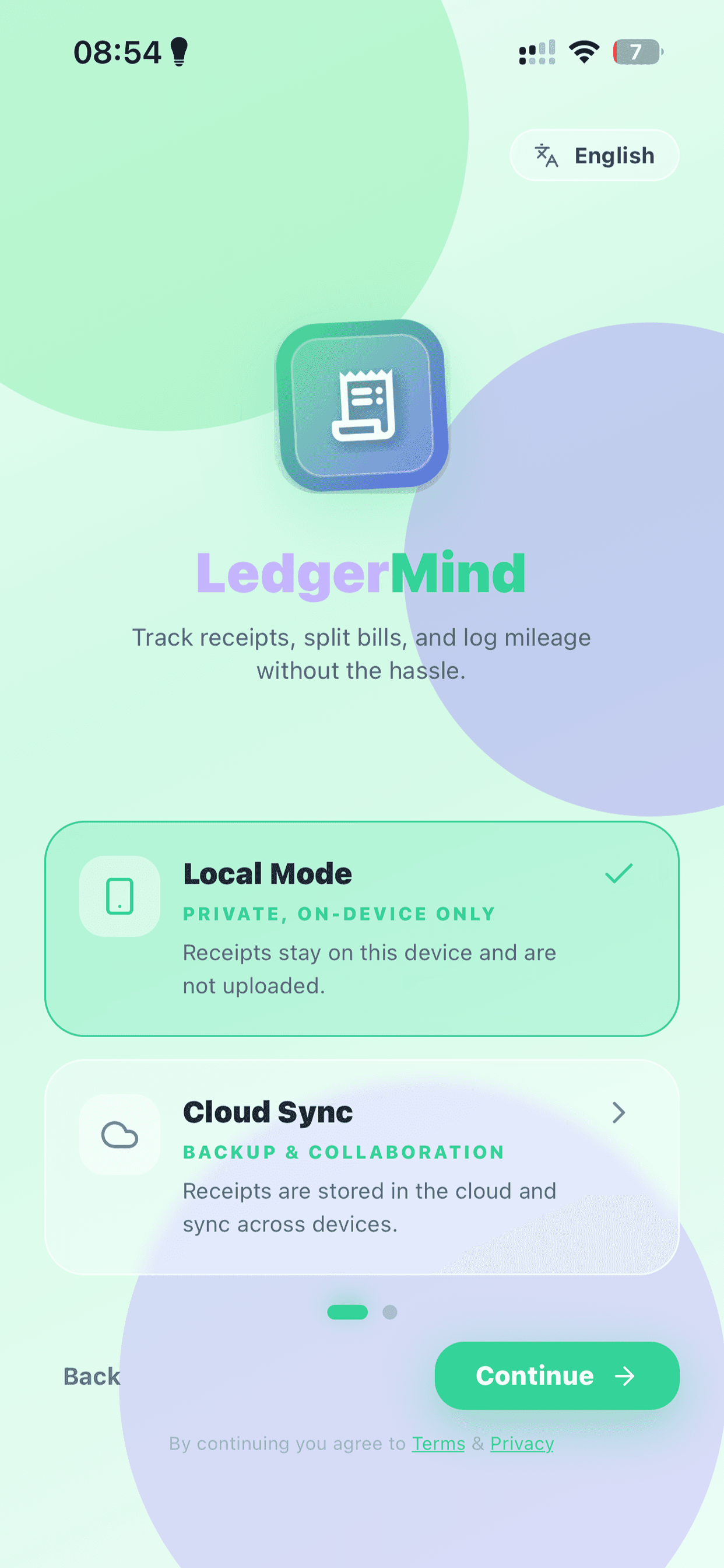
LedgerMind is designed to speed up expense capture without turning your financial records into a black box. You capture documents, review extracted fields, export what you need, and stay in control of billing and privacy requests.
1. Capture
Upload receipts and PDFs
When scanning is requested, LedgerMind processes receipt images or PDFs to extract structured fields like merchant, date, tax, and totals.
2. Review
Check key fields before relying on them
Review extracted vendor, total, tax, date, and category information before you export records or use them for reimbursement, bookkeeping, or tax workflows.
3. Export
Share what finance needs
Use CSV, XLSX, or PDF exports when your accountant, bookkeeper, or reimbursement process needs a cleaner handoff.
4. Control
Manage billing, privacy, and support
Subscriptions are managed through Apple App Store or Google Play, and you can contact LedgerMind for privacy questions, export requests, or account deletion support.
Built for records you can review, export, and rely on.
Review first
Check extracted fields before you save or export anything important.
Export anytime
Download your records in common formats when finance, tax, or bookkeeping needs them.
Store-managed billing
Manage subscriptions through Apple App Store or Google Play with self-serve cancellation.
Pricing
Pricing that explains what you get.
Start free, upgrade in-app when you need more scans, and choose monthly or yearly billing through Apple App Store or Google Play.
Starter
For individuals trying it out.
€0/mo
- 1 Seat
- 15 Scans / month
- 30 days history
- Export via CSV (1/mo)
Pro
For personal expense automation.
€3.49/mo
- 1 Seat + accountant-friendly sharing
- 50 Scans / month
- 1 year history
- Unlimited CSV/XLSX/PDF
- Email forwarding ingestion
Business
Shared workspace & controls.
€5.99/mo
- 5 Seats included
- 200 Pooled Scans / month
- 7-10 years history
- Bank statement matching
- Team roles & dashboard
Enterprise
Custom requirements & SLA.
Custom
- Custom Seats & Scans
- SSO / SAML
- Audit exports & logs
- Custom integrations
- Dedicated support
Yearly plans are billed once per year. Need more scans? Buy one-time top-up packs in the app. Regional taxes and store fees may vary based on Apple App Store or Google Play policies.
Questions?
Here's the practical version.
Everything you need to know about LedgerMind, from AI scanning to billing.
How exactly does the AI scan work?
Take a picture of your receipt or upload a PDF, and LedgerMind extracts fields like vendor, total, tax, and date for you to review before saving. One image or one PDF page counts as one scan.
What happens if I go over my scan limit?
We still collect all your data — nothing is lost. Instead of failing to upload, the receipts get queued. You will see a friendly reminder to either upgrade your plan or purchase a stackable add-on top-up pack directly from the app.
Do you respect my privacy and local regulations?
We use encrypted connections, limit access to your workspace data, and support export and deletion requests. We do not sell your financial data, and our privacy policy explains how receipt processing and retention work.
Can I cancel my subscription anytime?
Yes, absolutely. You can cancel anytime directly from your iOS or Android device settings. No questions asked, no hidden fees. You manage your subscription comfortably through the Apple App Store or Google Play Store.
Keep your next expense report under control.
Request access, ask about the right plan, or tell us how your team handles receipts and mileage today.